
Open once. Echo everywhere.
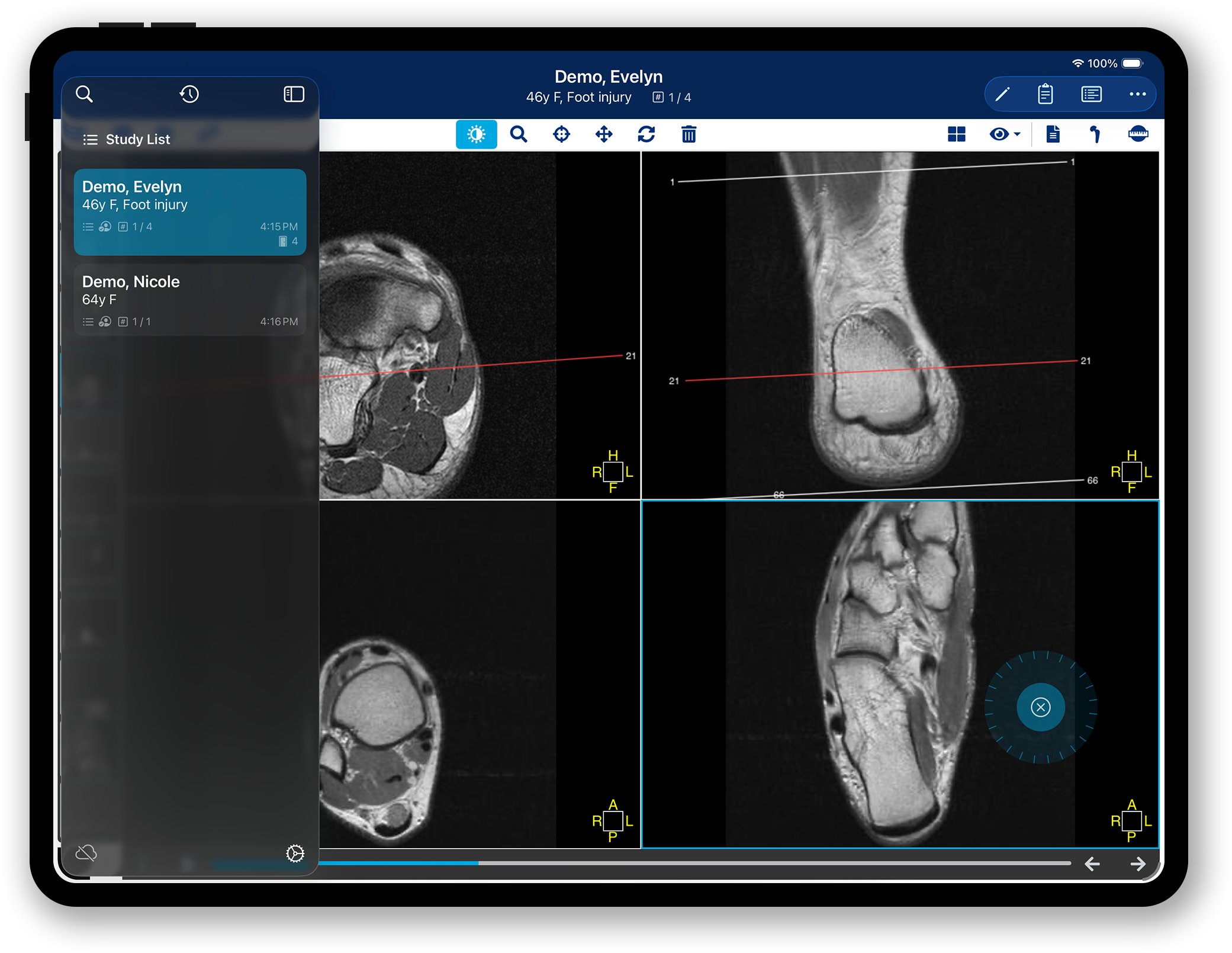
Echo is a purpose-built browser for Medstrat Joints, designed to bring efficient search, navigation and cross-device tab sync to your PACS workflow. When your team opens a study on one device, it appears on every synced device — images loaded and ready to go.
Every study, already open.
Nothing to search. Nothing to load.
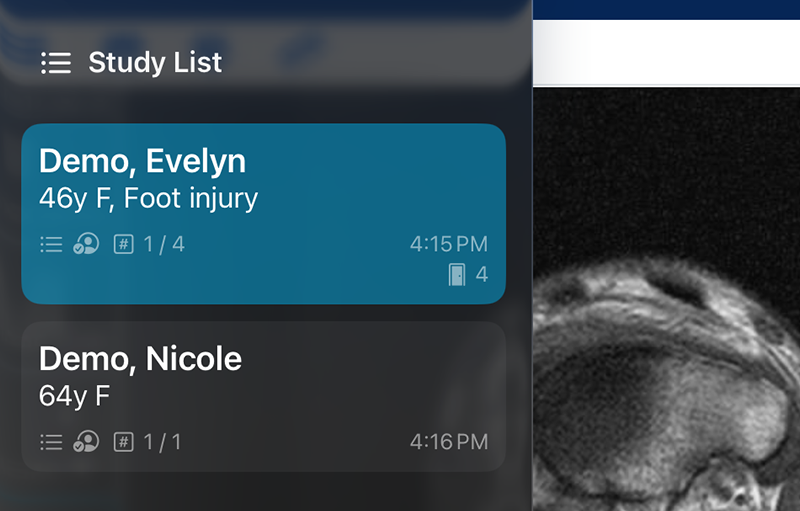
Your staff pulls up the study on their device. It appears on yours — same patient, same study. Ready before you need it.
A purpose-built rotary control enables smooth, accurate scrolling through cross-sectional imaging, delivering finer control and a more natural touch experience.

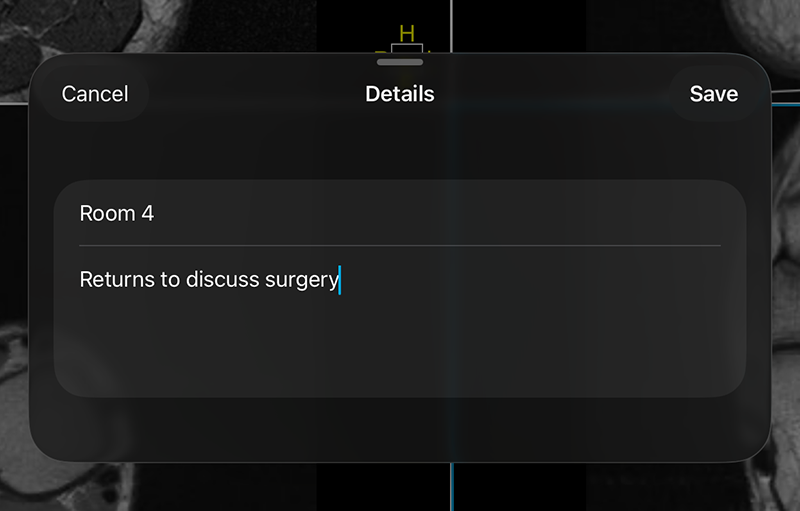
A study alone doesn't tell you why the patient is here. Your staff can attach a short note to the tab — the side, the complaint, what's changed since the last visit — so you walk in with the picture and the context at once.
Echo is a browser built for the exam room. Sign in once to the PACS you already use and it stays signed in — your study list a tap away, the images you need already loaded, and scrolling, panning, and annotation designed for a tablet in your hand.
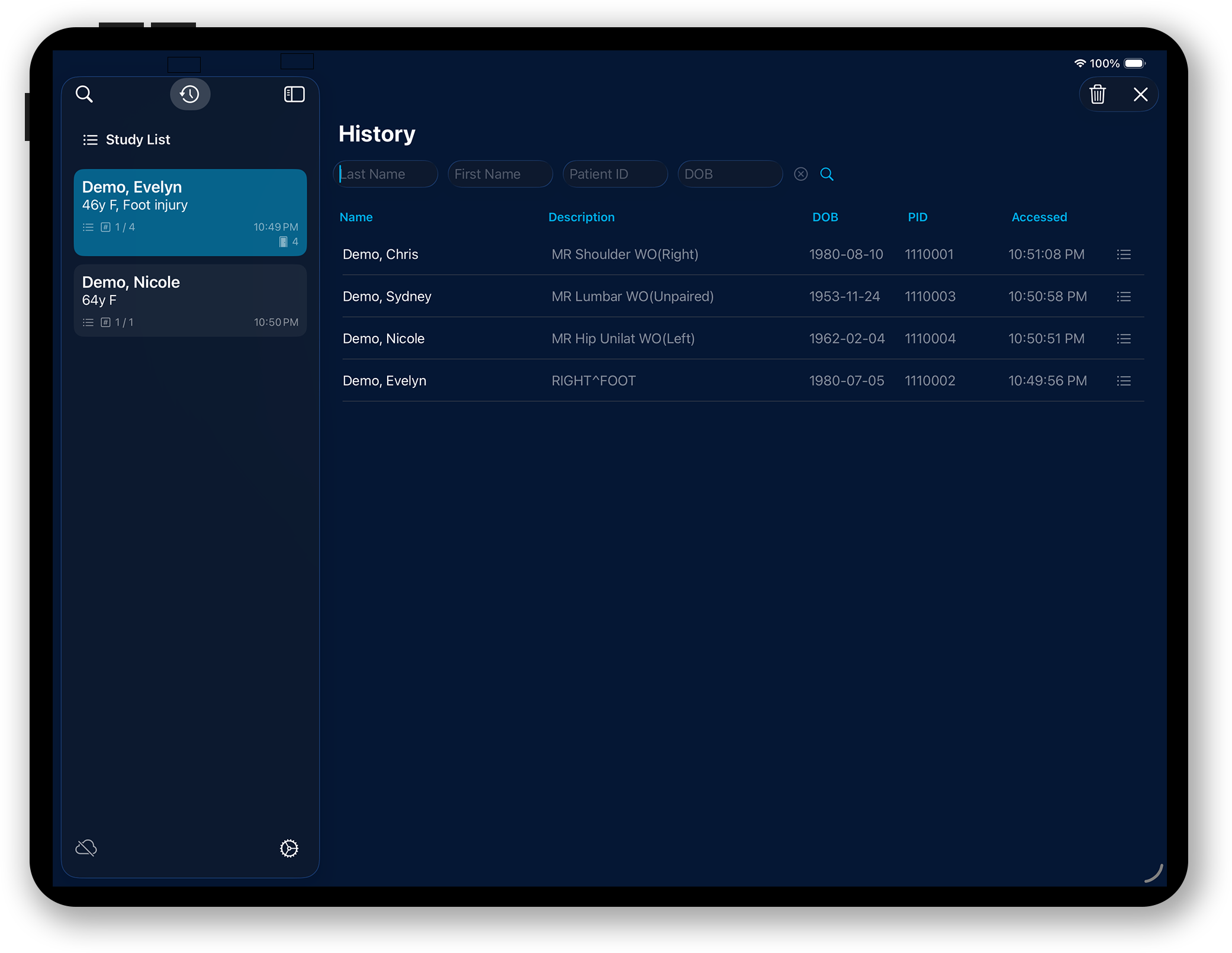
Echo works the way your clinic already works. Anyone on your team opens the images on their computer or tablet. Echo makes sure they land in your hands.
Nothing to deploy, no interface engine, no IT queue. Echo syncs through the accounts your practice already has, and you're running the same afternoon.
Echo doesn't replace your imaging system — it keeps working exactly as it does, enhanced for a tablet, minus the loading.
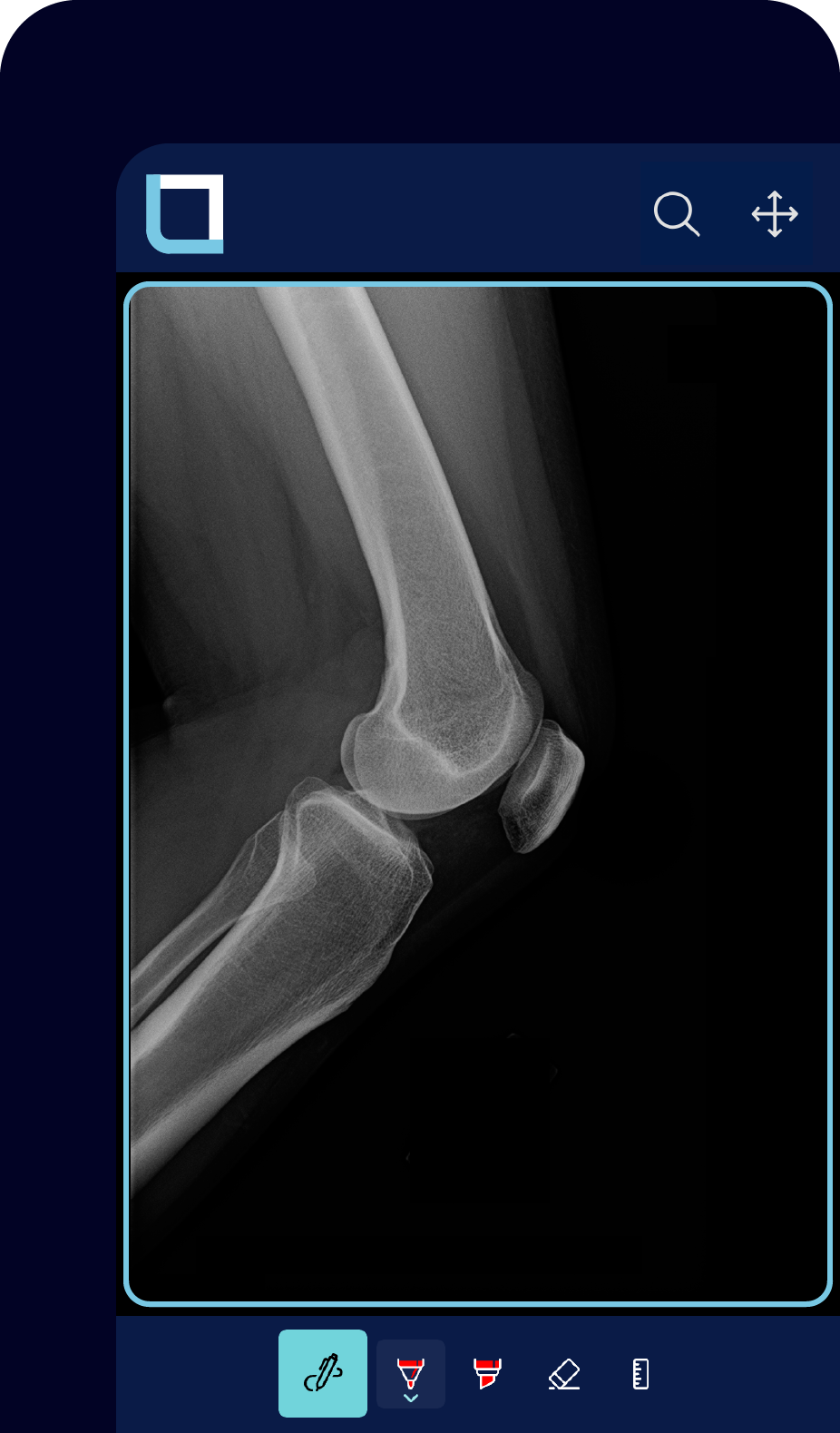

Changes appear automatically, keeping every device in sync so images are ready the moment you need them.
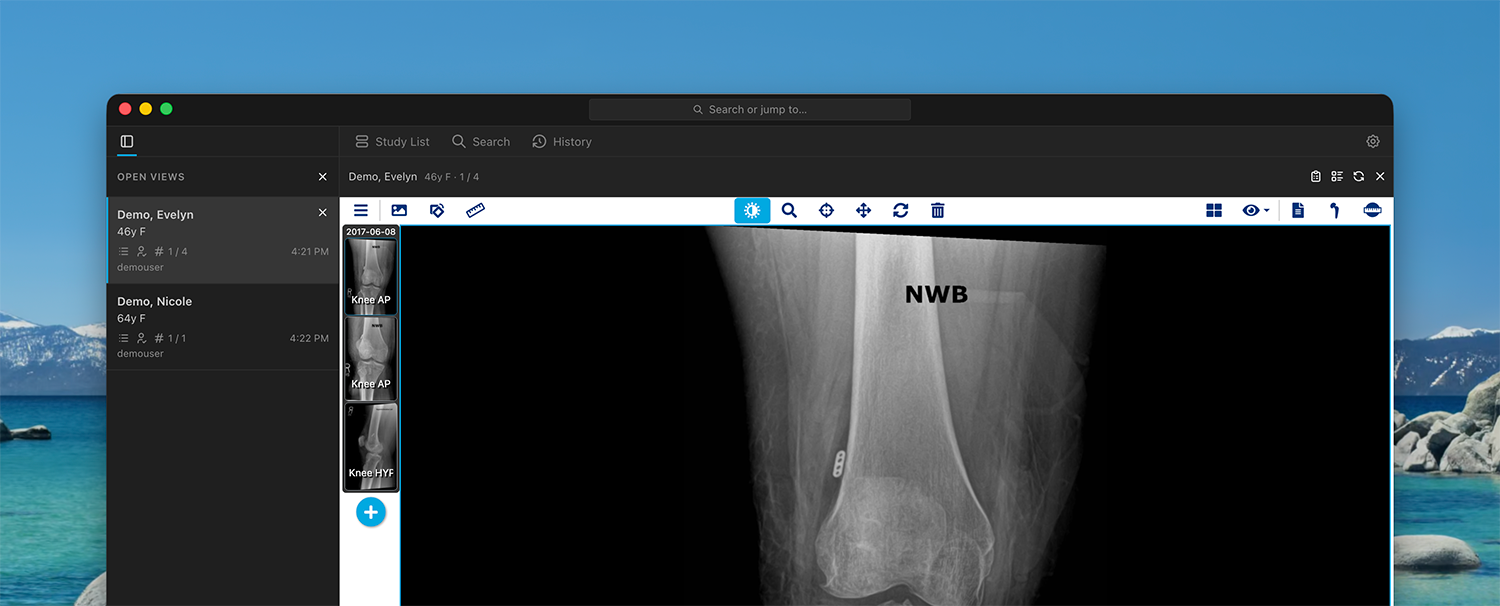
Echo runs on Mac and Windows too. The same study list, the same tabs, on every screen you work from.
Try Echo Pro Provider for 30 days.
Enter the email you use to sign in to Medstrat Joints.
Your 30-day Pro Provider trial is ready. Download Echo for iPad or desktop and sign in with this email to get started.
We couldn't start a trial for your email address. It may be because your email has already been registered. Please contact sales@lumir.ai to set up a trial.
We couldn't start a trial right now. Please try again, or contact sales@lumir.ai.
Licensed per user. Start for free.
Try Echo and its intuitive controls in your workflow. Limited to one open view.

Echo license with unlimited open views, 90-day history, and tab sync to a provider.

First month free
Full Echo license which adds tab sync, rotary scroll and drawing controls.
First month free
What Echo is, how it works, and what it takes to get your team running.
Echo is a purpose-built browser for Medstrat Joints. Download it, sign in with the Joints account your practice already uses, and you can work in the Free plan today — patient search, one open view, rotary scroll, and drawing. It shows the same Joints viewer you already use, with controls built for the exam room. Images stay in Medstrat. History stays on the device. If you turn on tab sync, those tabs live in your own Microsoft 365 tenant, where you already have BAAs in place. Lumirai does not host your PACS and does not receive patient images or records — only the email address used to confirm your license.
Someone on your team opens the study. Echo puts that tab on every synced device, so the images are already loaded when you walk in. Staff can attach a short note — the side, the complaint, what's changed — so you get the picture and the context together. Echo does not replace your PACS and does not sit on a Lumirai server in the middle. It shows Joints, and it syncs through the Microsoft 365 tenant your practice already has.
Echo is free to download, and the Free plan gives you one open view. To subscribe, create a practice account at accounts.lumir.ai and verify your email, then choose how many Pro Provider and Pro Staff licenses you need. Licenses are per user, billed monthly or yearly through Paddle, and the first month is free. Assign each license to the same email address that person uses to sign in to Joints. When they sign in to Echo with those Joints credentials, Echo checks the email against your licenses and unlocks the matching plan. Manage seats, billing, and cancellation any time at accounts.lumir.ai.
Tab sync uses your practice's Microsoft 365 tenant — not a Lumirai server. A provider signs in with Microsoft, creates a sync list, and shares it with staff. When staff open a study on their device, that tab appears on the provider's device with the images ready. Synced information stays in your OneDrive, and Lumirai never receives or stores it. Sync is optional; Echo still works as a Joints browser without it.
Both Pro plans lift the one-view limit and add 90 days of history. Pro Staff is for the people preparing studies — they can sync tabs to a provider. Pro Provider adds the ability to start and share a sync list and presentation tools on the tablet. Licenses are per user, and the first month is free on either plan.
Echo works directly with Medstrat Joints to retrieve and show you the images you need.
